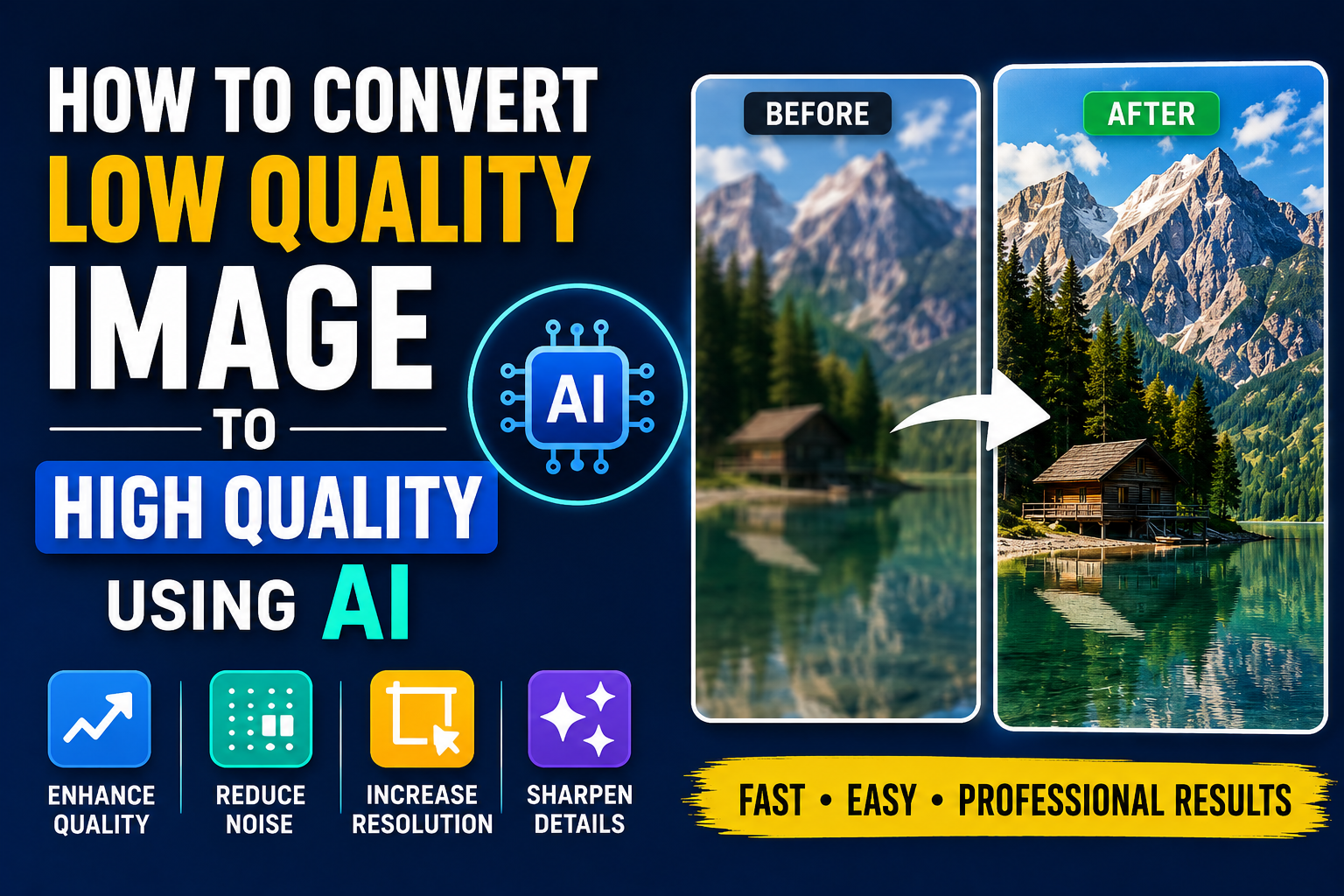
Artificial Intelligence has transformed the way people improve and enhance digital images. Modern AI image enhancement tools can increase image quality, sharpen details, reduce noise, restore old photos, and upscale low-resolution pictures automatically.
Whether you are a designer, photographer, content creator, student, or business owner, AI-powered image enhancement tools can help create cleaner and more professional visuals without advanced editing skills.
What Is AI Image Enhancement?
AI image enhancement uses artificial intelligence algorithms to analyze and improve image quality automatically. These systems can detect blurry areas, restore missing details, improve colors, and upscale image resolution while maintaining natural appearance.
Common AI Improvements
- Increase image resolution
- Sharpen blurry photos
- Reduce image noise
- Restore old or damaged images
- Improve colors and lighting
AI tools simplify image editing and make professional enhancement accessible to everyone.
Why Use AI for Image Quality Improvement?
Traditional image editing often requires advanced software and manual adjustments. AI tools automate much of the process and provide fast results.
Main Benefits
- Fast image enhancement
- Automatic quality optimization
- Improved sharpness and detail
- Better image clarity for websites and printing
- No advanced editing skills required
AI enhancement tools are especially useful for social media content, product photography, websites, digital marketing, and printing projects.
How to Convert an Image to High Quality Using AI
Step 1: Upload Your Image
Choose the image you want to improve from your device. Most AI tools support formats such as JPG, PNG, WEBP, and JPEG.
Step 2: Select AI Enhancement Options
Depending on the tool, you may be able to select features such as:
- AI upscaling
- Noise reduction
- Face enhancement
- Color correction
- Image sharpening
Step 3: Start the AI Processing
Click the enhancement or convert button and allow the AI system to analyze and improve the image automatically.
Step 4: Download the Enhanced Image
Once processing is complete, download the improved high-quality image to your device.
Best Image Formats for High-Quality Results
Using the correct image format can improve overall quality and compatibility.
Recommended Formats
- PNG for graphics and transparency
- JPEG for photography and online sharing
- WEBP for websites and performance optimization
- TIFF for professional editing and printing
Different formats are useful depending on the final purpose of the image.
Tips for Better AI Enhancement Results
- Start with the highest-quality image available
- Avoid heavily compressed images
- Use proper lighting when taking photos
- Choose the right image format after enhancement
- Do not over-sharpen images excessively
Good source images usually produce better AI enhancement results.
Common Uses for AI Image Enhancement
- Restoring old family photos
- Improving social media content
- Enhancing product images
- Preparing images for printing
- Improving website visuals
AI enhancement tools are becoming increasingly popular across many industries and creative projects.
Conclusion
AI image enhancement makes it easier than ever to transform low-quality images into cleaner, sharper, and more professional visuals. With modern online AI tools, users can improve image quality, increase resolution, and optimize photos quickly without complicated software.
By combining AI enhancement with the right image formats and optimization techniques, anyone can create impressive digital images for websites, social media, printing, and professional content creation.