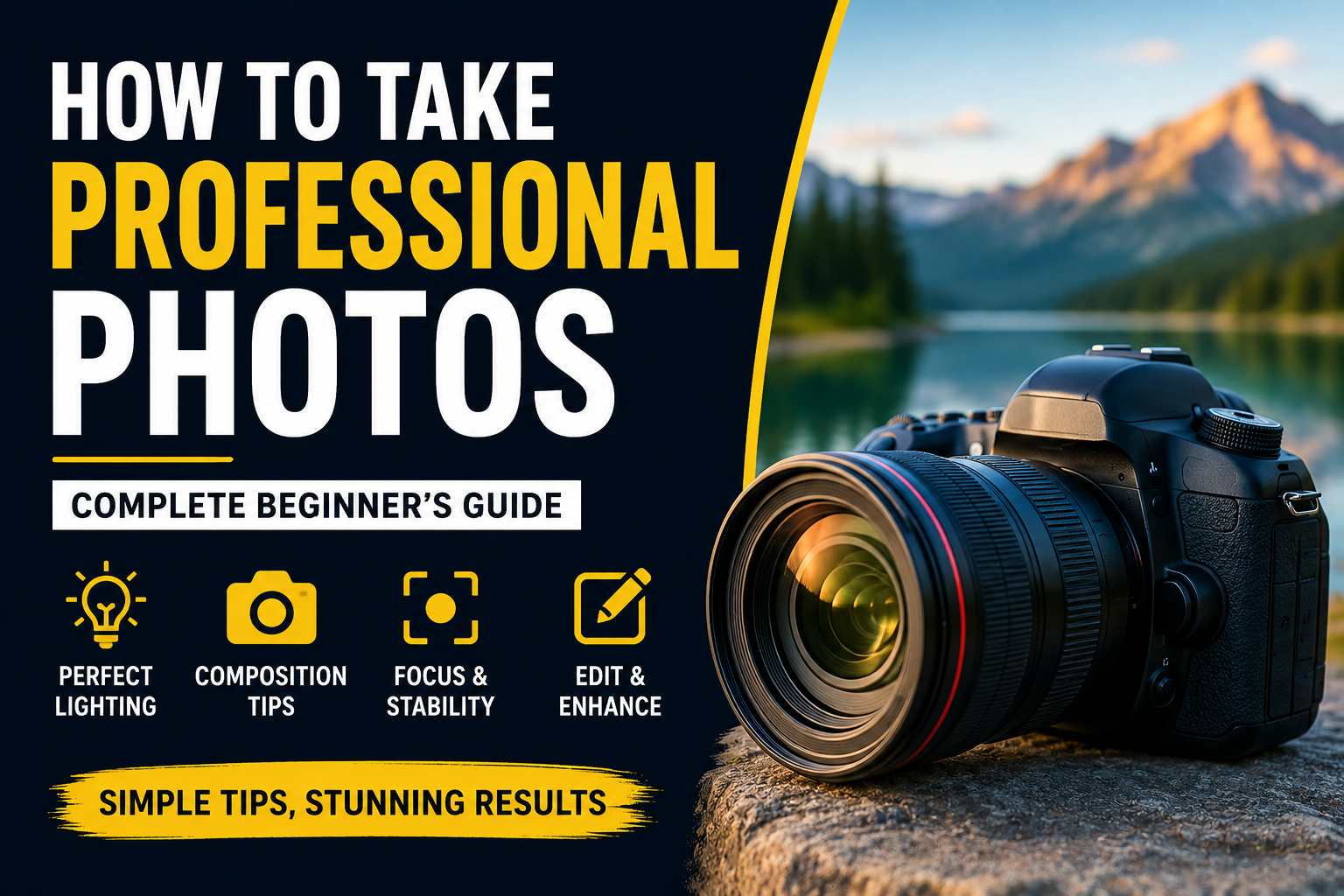
Professional photography is no longer limited to expensive cameras and studio equipment. With the right techniques, lighting, composition, and editing tools, anyone can capture high-quality photos for social media, websites, business projects, or personal use.
In this guide, you will learn practical photography tips that can help improve image quality and create more professional-looking photos.
1. Use Good Lighting
Lighting is one of the most important elements in photography. Even a high-end camera can produce poor results under bad lighting conditions.
Best Lighting Tips
- Use natural daylight whenever possible
- Avoid harsh direct sunlight in the middle of the day
- Take photos near windows for soft lighting
- Use ring lights or softbox lights indoors
Soft and balanced lighting helps improve skin tones, colors, and image clarity.
2. Keep the Camera Stable
Shaky hands can create blurry images. Stability is essential for sharp and clear photography.
Ways to Improve Stability
- Use a tripod for steady shots
- Hold the camera with both hands
- Use image stabilization features if available
- Avoid moving while taking photos
Stable photos look cleaner, sharper, and more professional.
3. Focus on Composition
Composition refers to how objects are arranged inside the frame. Good composition can make simple photos look more attractive and balanced.
Simple Composition Techniques
- Use the rule of thirds
- Keep the subject clear and centered when needed
- Avoid cluttered backgrounds
- Use lines and shapes to guide attention
Clean composition helps viewers focus on the most important parts of the image.
4. Choose the Right Background
The background can greatly affect the final result of a photo. A distracting background may reduce image quality and professionalism.
Background Tips
- Use simple and clean backgrounds
- Avoid objects that distract attention
- Blur the background for portraits if possible
- Match background colors with the subject
Minimal backgrounds often create stronger and more professional visuals.
5. Improve Image Quality with Editing
Photo editing helps enhance brightness, colors, contrast, and overall appearance. Even small adjustments can make a photo look more polished.
Common Editing Improvements
- Adjust brightness and contrast
- Improve color balance
- Crop unnecessary areas
- Sharpen image details
Many online image tools allow users to optimize and convert images directly from their browser.
6. Use High-Quality Image Formats
Saving photos in the correct image format helps preserve quality and improve compatibility.
Recommended Formats
- JPEG for photography and online sharing
- PNG for graphics and transparency
- WEBP for modern websites
- TIFF for professional editing and printing
Choosing the right format helps improve both visual quality and performance.
7. Clean Your Camera Lens
A dirty lens can reduce sharpness and image clarity. Always clean the lens before taking important photos.
Quick Lens Cleaning Tips
- Use a microfiber cloth
- Avoid touching the lens directly
- Keep the camera protected from dust
Clean lenses produce clearer and more professional-looking photos.
8. Practice and Experiment
Photography improves with practice. Trying different angles, lighting setups, and compositions helps build experience and creativity.
Things to Experiment With
- Portrait photography
- Landscape photography
- Product photography
- Night photography
The more photos you take, the better your understanding of lighting, framing, and image quality becomes.
Professional photography depends on lighting, composition, stability, editing, and creativity. Even simple equipment can produce impressive results when combined with the right techniques.
By practicing regularly and using modern image optimization tools, anyone can create cleaner, sharper, and more professional photos for websites, social media, business projects, and personal content.